
01 / 07VIDEO
START-UP MOMENTStart before
the story starts.
Open the NetTV experience with a video message, before viewers begin exploring content.
FormatVideoAppears duringStart-up
Contact us for details 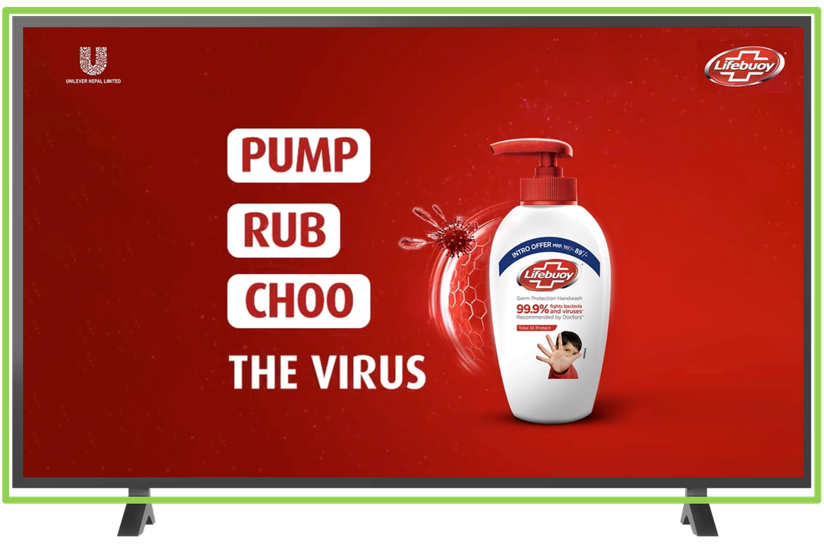
Explore advertising formats across the NetTV viewing journey, then contact our team to discuss your campaign objective, placement options, creative requirements and current availability.
Plan a NetTV campaign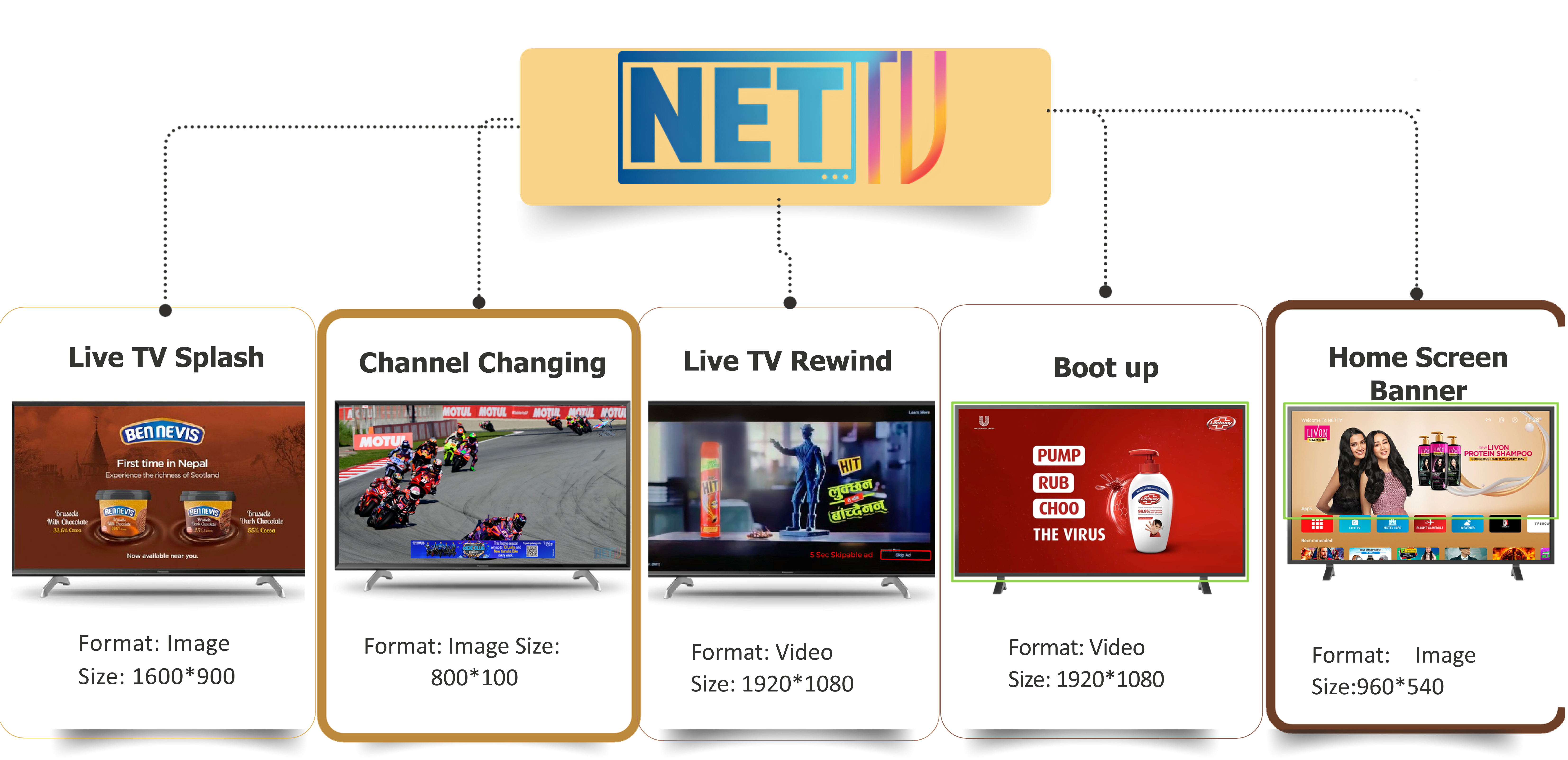
White Owl Solution helps brands explore NetTV advertising placements from the first campaign conversation through to confirming a suitable format mix. Whether your aim is launch awareness, an offer, a product reminder or consistent on-screen visibility, the right placement depends on the audience moment, campaign timing and available inventory.
To get started, share your brand, campaign objective, preferred dates and the formats you would like to discuss. Our team can then guide you through relevant NetTV ad options, current availability and the artwork or video specifications needed before a placement is confirmed.
From start-up video to replay interaction, these formats place your campaign around the ways viewers naturally use NetTV. Availability, pricing and technical requirements are confirmed for each campaign enquiry.
Open the NetTV experience with a video message, before viewers begin exploring content.
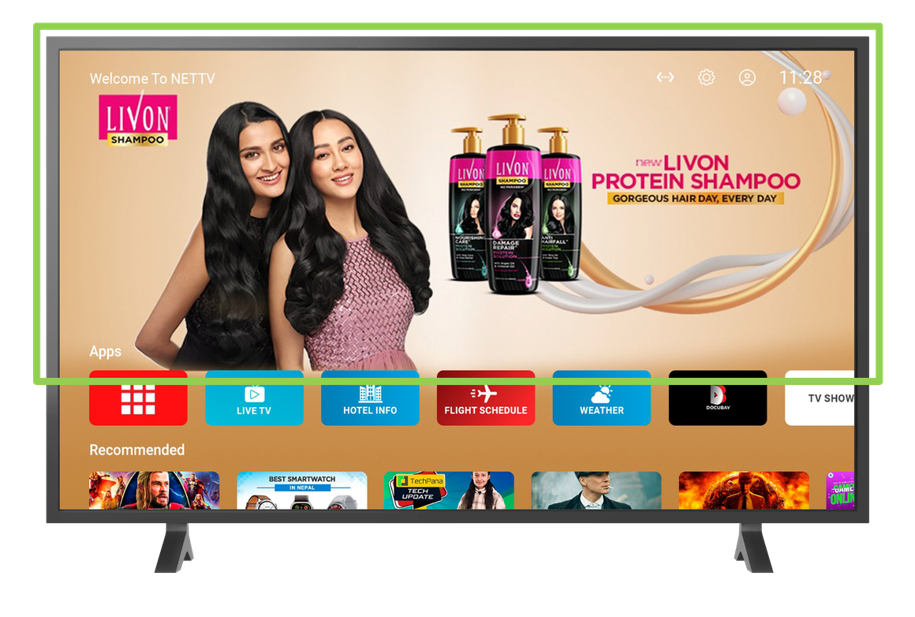
Be visible while viewers browse NetTV's home environment and choose what to watch.
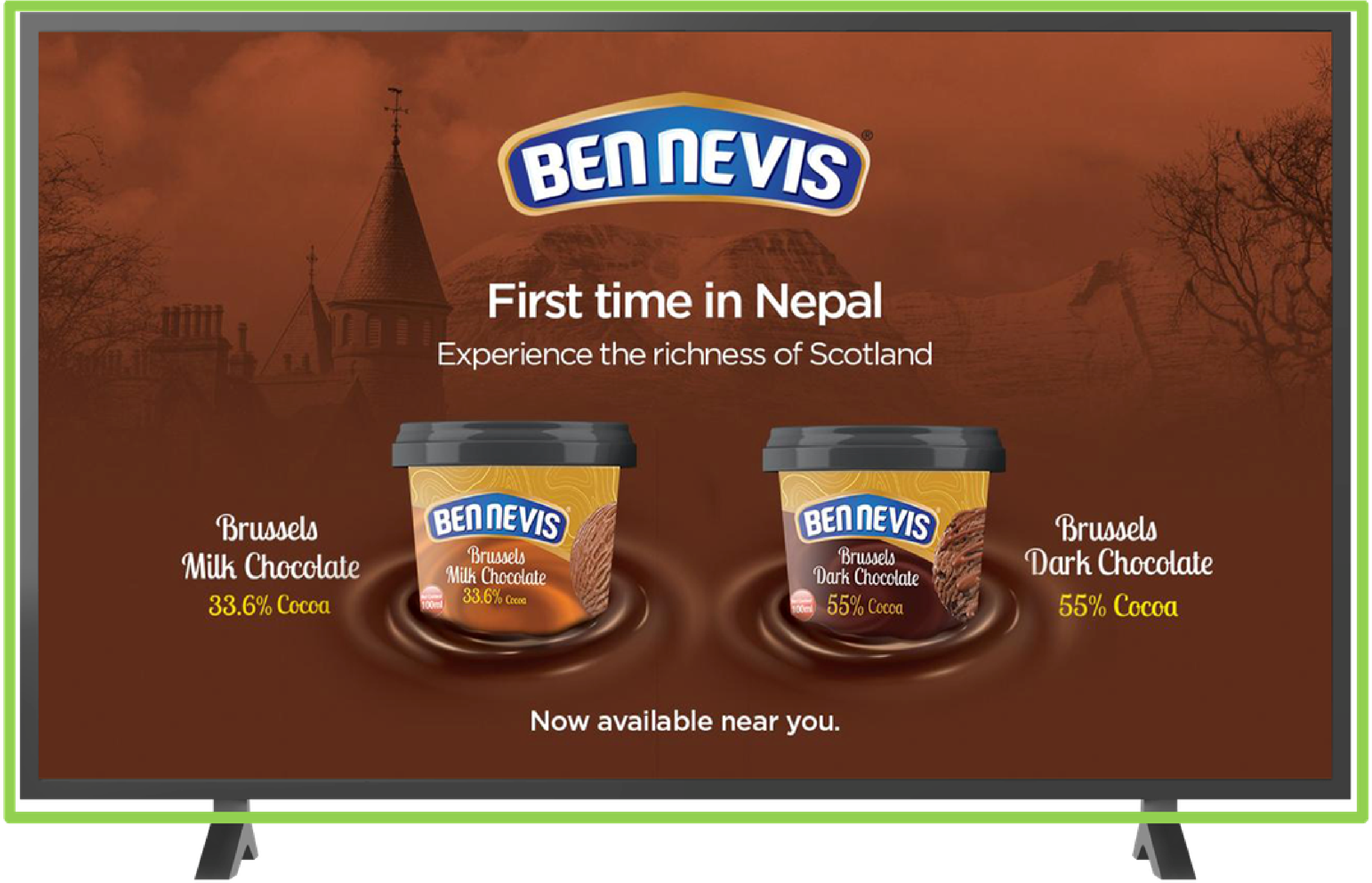
Bring a focused campaign creative into a screen transition, keeping the message straightforward.
Introduce a message within the channel-changing interaction as viewers move between channels.
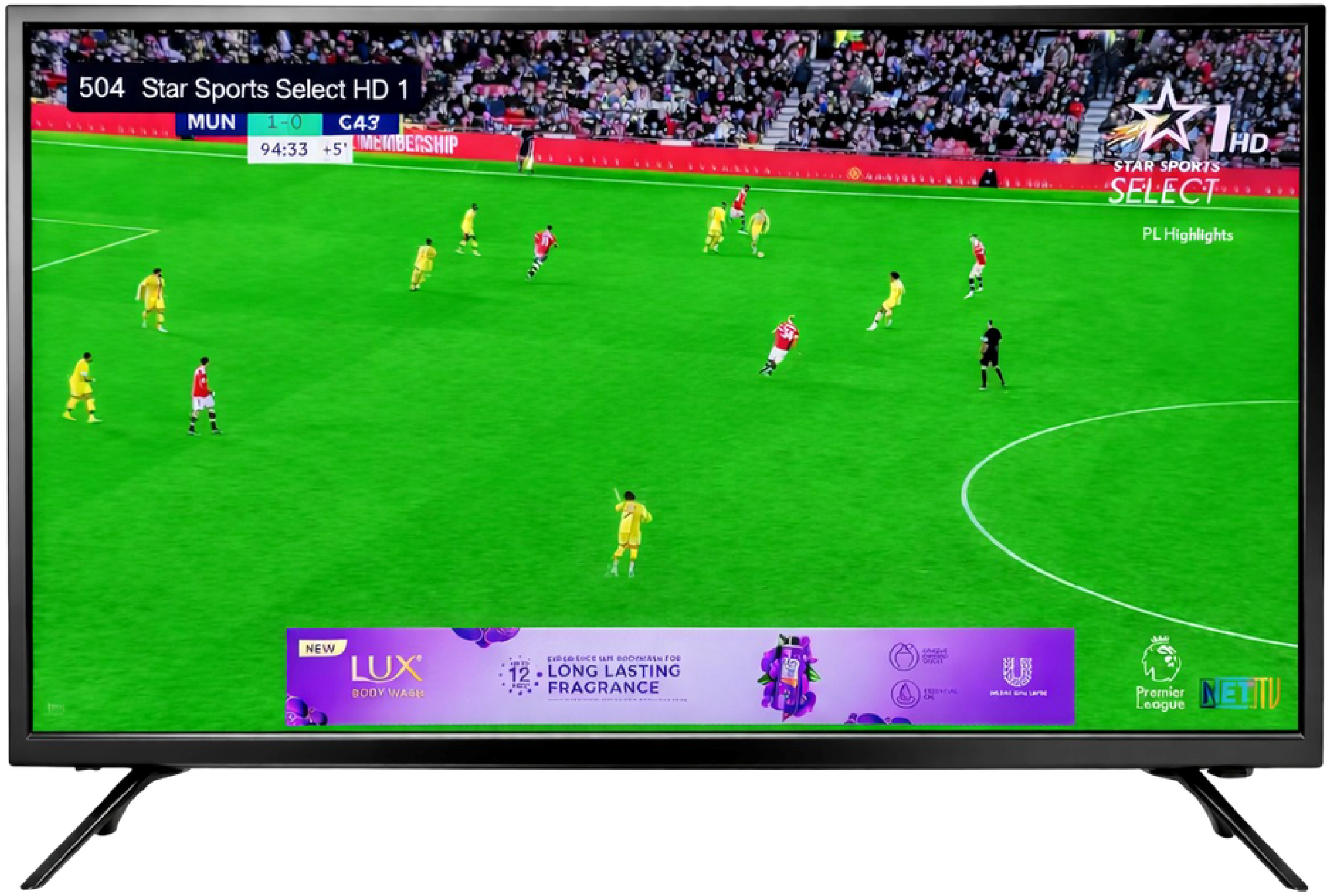
Keep the campaign visible within the menu environment as viewers explore their options.
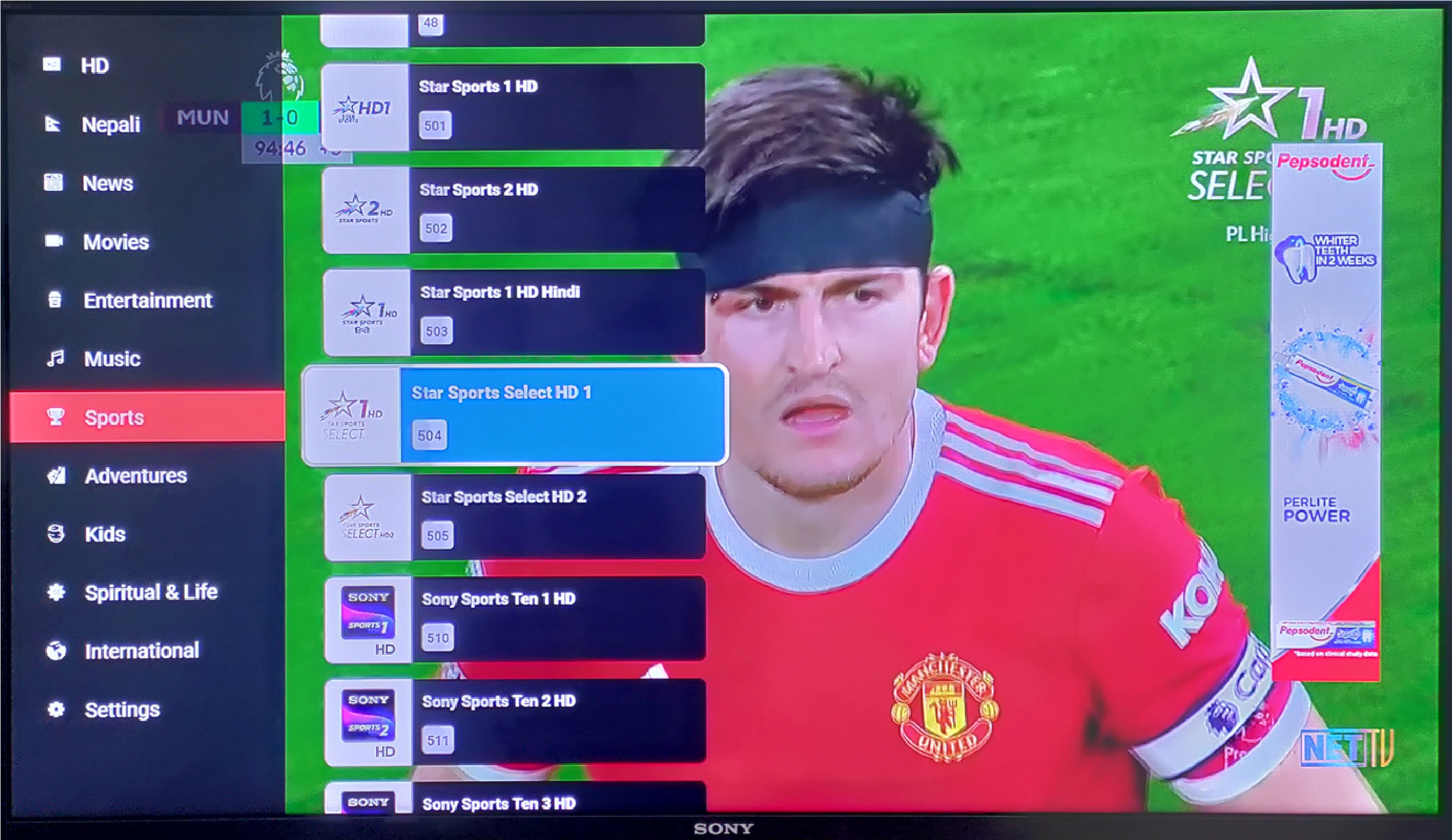
Place a banner alongside the control interface while viewers interact with what they're watching.
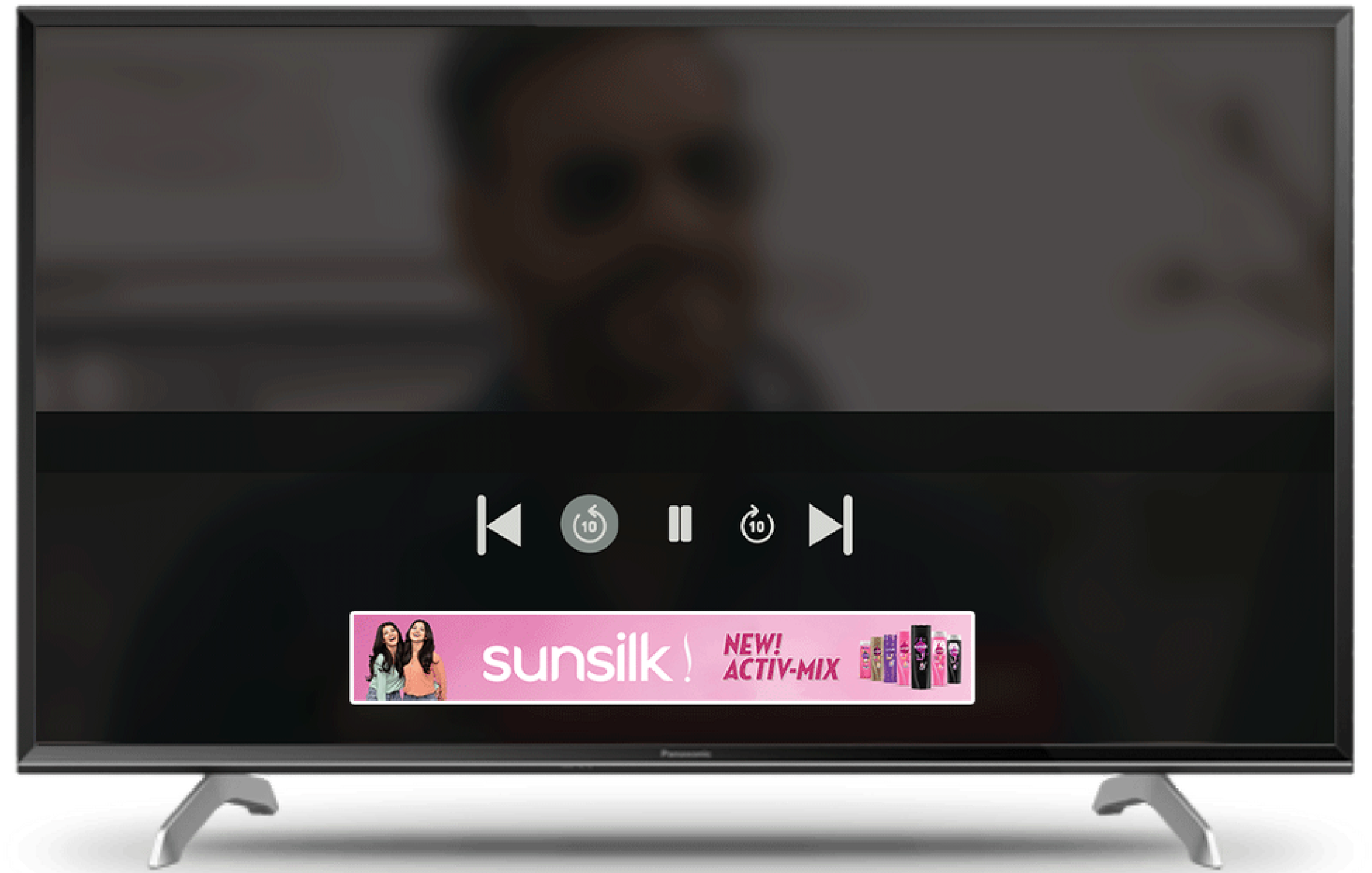
Use the rewind interaction as another opportunity for a concise video creative.
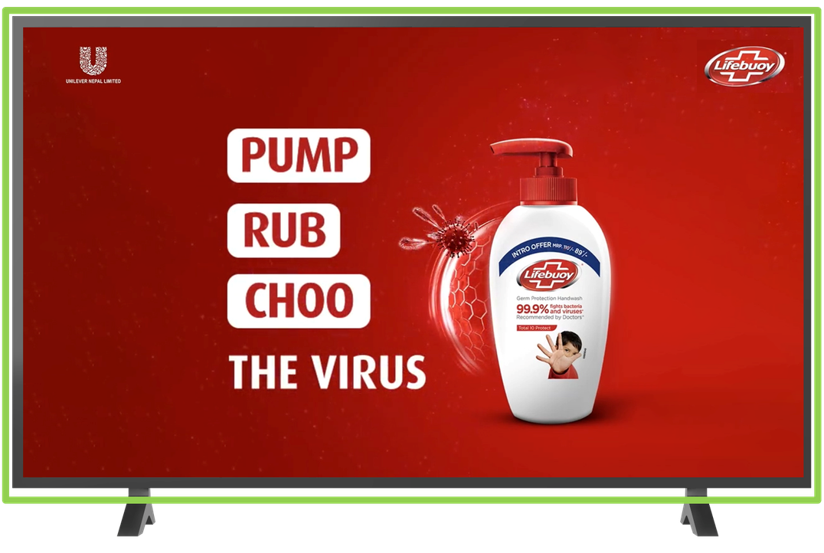
A format can work independently or be discussed as part of a broader placement plan. Choose moments that fit your creative, objective and confirmed inventory.
Build a media planClient logos shown in White Owl Solution's supplied portfolio. These represent agency clients and are not claims of participation in any specific NetTV campaign.


Campaign requirements vary by format. Our team can share current inventory details when you enquire.
Contact White Owl Solution with your campaign objective, preferred dates, brand details and the formats you are considering. We can discuss current inventory, creative requirements and the next steps for a proposed placement plan.
Yes. Request a multi-format proposal. The final mix is subject to availability, campaign requirements and agreement.
Share the formats and dates you are considering. Our team can confirm current pricing and availability.
Specifications depend on the placement. Request the current artwork or video requirements before producing final assets.
Yes. Send your objective, campaign period and budget range, if known. We can discuss formats relevant to that brief.
For advertising formats, current availability and pricing, reach us directly by email or phone.